
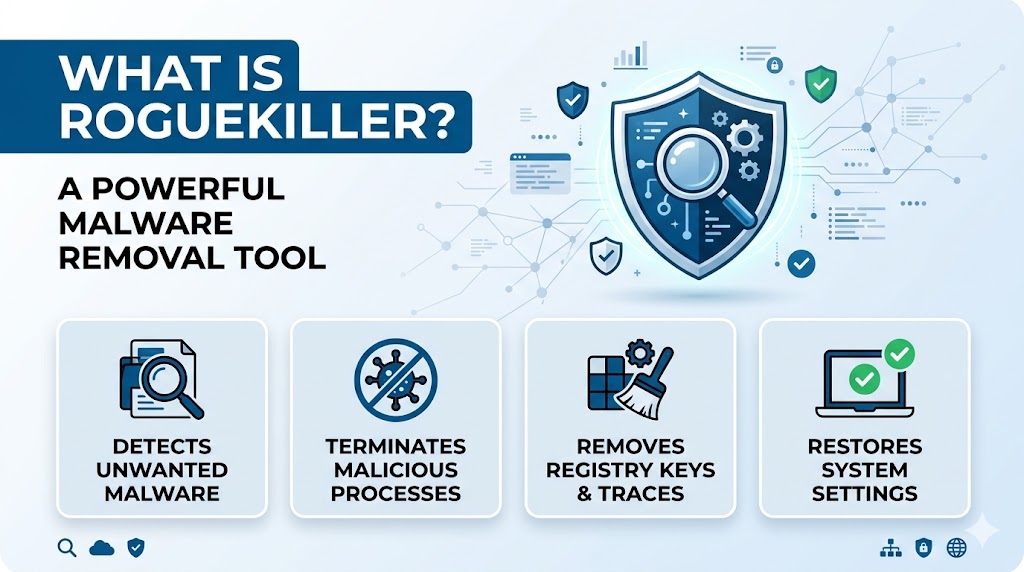
Cybersecurity threats continue to evolve, making it essential for users to protect their computers from malware, ransomware, spyware, adware, and other harmful programs. While traditional antivirus software provides a strong first line of defense, some threats can bypass standard security solutions and remain hidden within a system. This is where RogueKiller becomes valuable.
RogueKiller is a specialized anti-malware tool designed to detect and remove advanced threats that may evade conventional antivirus applications. It helps users identify suspicious processes, malicious registry entries, unwanted software, and hidden malware components that can affect system performance and security. Whether you are a home user, IT professional, or cybersecurity enthusiast, understanding how RogueKiller works can help you strengthen your device protection strategy.
What Is RogueKiller?
Definition of RogueKiller
RogueKiller is a malware detection and removal program developed to identify and eliminate malicious software from Windows systems. The tool specializes in detecting threats such as rootkits, rogue security programs, potentially unwanted applications (PUAs), malware processes, and malicious registry modifications.
Unlike traditional antivirus software that focuses on real-time protection and broad threat databases, RogueKiller is often used as a second-opinion scanner. It helps uncover threats that may remain active even after a standard antivirus scan has been completed.
Purpose of RogueKiller
The primary purpose of RogueKiller is to locate hidden or persistent threats that interfere with normal system operations. It examines critical areas of the operating system where malware commonly establishes persistence, allowing users to identify and remove suspicious elements effectively.
Key Features of RogueKiller
Advanced Malware Detection
One of RogueKiller’s most notable features is its ability to detect advanced malware. The software scans for hidden threats that manipulate system settings, startup entries, scheduled tasks, and registry keys.
By analyzing these sensitive areas, RogueKiller can reveal infections that may not be detected by conventional antivirus programs.
Rootkit Detection
Rootkits are among the most dangerous forms of malware because they are designed to hide deep within the operating system. RogueKiller includes specialized scanning technology that helps identify rootkit behavior and hidden components.
This capability makes it a useful tool for users who suspect their systems have been compromised by sophisticated threats.
Removal of Potentially Unwanted Applications
Many computers become cluttered with unwanted software, browser toolbars, adware, and bundled applications. RogueKiller can detect these potentially unwanted programs and help users remove them safely.
Eliminating such software can improve system performance and reduce security risks.
Registry Cleaning
Malware often creates malicious registry entries to maintain persistence after a reboot. RogueKiller scans the Windows registry and identifies suspicious modifications.
Users can review detected entries before removal, ensuring better control over system changes.
Startup Program Analysis
RogueKiller examines startup locations commonly used by malware. By identifying suspicious startup entries, the tool helps users prevent malicious software from automatically launching when Windows starts.
How RogueKiller Works
Scanning Critical System Areas
RogueKiller performs targeted scans of important operating system components. These include:
- Running processes
- System services
- Registry entries
- Startup items
- Scheduled tasks
- Browser settings
- Hosts files
- DNS configurations
By focusing on these areas, the software can quickly identify unusual behavior associated with malware infections.
Heuristic Analysis
In addition to signature-based detection, RogueKiller uses heuristic analysis techniques. This method evaluates software behavior rather than relying solely on known malware signatures.
Heuristic scanning allows the program to identify new or modified threats that may not yet exist in traditional malware databases.
Threat Classification
After completing a scan, RogueKiller categorizes detected items based on their risk levels. Users can review detailed reports and determine which entries should be removed, quarantined, or ignored.
This transparency helps prevent accidental deletion of legitimate system components.
Benefits of Using RogueKiller
Enhanced Malware Removal
RogueKiller provides an additional layer of security by identifying threats that may evade standard antivirus solutions. It complements existing security software rather than replacing it.
Faster System Performance
Removing malware, adware, and unwanted programs can improve overall system responsiveness. Many users notice faster startup times and reduced system resource usage after cleaning their computers.
Detailed Security Reports
The software generates comprehensive scan reports that help users understand potential security issues. These reports can also assist IT professionals during troubleshooting and incident response.
Easy-to-Use Interface
Despite its advanced capabilities, RogueKiller offers a user-friendly interface. Both beginners and experienced users can navigate scans, review findings, and manage detected threats with ease.
Common Threats Detected by RogueKiller
Rogue Security Software
Fake antivirus programs often display alarming warnings to trick users into purchasing unnecessary products. RogueKiller is designed to detect and remove these deceptive applications.
Adware
Adware can flood users with unwanted advertisements, pop-ups, and browser redirects. RogueKiller helps identify and remove adware components affecting system performance and browsing experiences.
Browser Hijackers
Browser hijackers modify browser settings without user consent. They may change homepages, search engines, and new-tab settings. RogueKiller can detect these unauthorized modifications.
Malware Persistence Mechanisms
Many malicious programs create persistence mechanisms to survive system reboots. RogueKiller identifies suspicious startup entries, scheduled tasks, and registry changes that enable malware persistence.
Potentially Unwanted Programs
Potentially unwanted programs are not always malicious but can negatively impact user experience. RogueKiller helps users identify and remove such applications.
RogueKiller vs Traditional Antivirus Software
Different Security Roles
Traditional antivirus solutions focus on real-time protection and broad malware prevention. RogueKiller serves a different role by acting as a specialized malware detection and cleanup tool.
Using both solutions together can create a stronger security strategy.
Secondary Opinion Scanner
Many cybersecurity professionals recommend using a second-opinion scanner when investigating suspicious activity. RogueKiller fills this role by providing an additional analysis of the system.
Specialized Detection Techniques
RogueKiller concentrates on persistence mechanisms, hidden threats, and system modifications commonly associated with malware infections. This specialized focus enhances its ability to detect certain threats.
Best Practices When Using RogueKiller
Keep Software Updated
Regular updates ensure access to the latest threat detection technologies and malware definitions.
Review Scan Results Carefully
Before removing detected items, users should review scan results and confirm whether entries are truly malicious or potentially unwanted.
Combine with Antivirus Protection
RogueKiller works best alongside a trusted antivirus solution. Together, they provide broader protection against a wide range of cyber threats.
Schedule Regular Security Checks
Routine scans can help identify emerging threats before they cause significant damage or compromise sensitive information.
Who Should Use RogueKiller?
Home Users
Individuals who suspect malware infections or unusual computer behavior can benefit from RogueKiller’s specialized scanning capabilities.
IT Professionals
System administrators and technical support teams often use RogueKiller during malware investigations and system cleanup procedures.
Cybersecurity Enthusiasts
Users interested in maintaining strong device security can incorporate RogueKiller into their regular maintenance and threat-hunting activities.
Conclusion
RogueKiller is a powerful anti-malware utility designed to detect and remove hidden threats, rogue applications, rootkits, adware, and malicious system modifications. Its focused scanning methods, detailed reporting, and advanced detection capabilities make it an effective companion to traditional antivirus software. By adding RogueKiller to a layered cybersecurity strategy, users can improve threat detection, strengthen system security, and maintain a cleaner, more reliable Windows environment.