
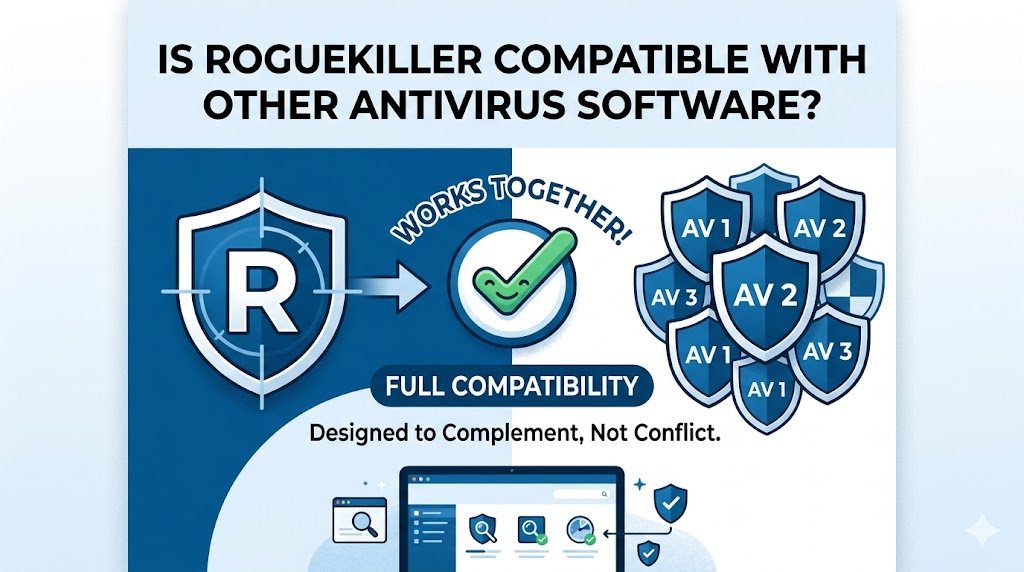
RogueKiller is a specialized cybersecurity tool designed to detect and remove malware, potentially unwanted programs (PUPs), rootkits, ransomware traces, malicious registry entries, and advanced threats that traditional antivirus solutions may occasionally overlook. Unlike a full-scale antivirus suite that provides continuous protection across multiple threat categories, RogueKiller is often used as an additional security layer for threat detection and remediation.
How RogueKiller Works Alongside Antivirus Programs
Different Security Functions
RogueKiller focuses heavily on malware analysis, threat removal, registry inspection, and detection of suspicious system modifications. Traditional antivirus software typically emphasizes real-time protection, signature-based detection, behavioral analysis, web protection, and email scanning.
Because these tools often serve different purposes, they can complement one another rather than compete directly.
On-Demand vs Real-Time Protection
One of the biggest factors affecting compatibility is how the software operates. RogueKiller is commonly used as an on-demand scanner, meaning users launch scans manually when they want to inspect their systems. Most antivirus programs, meanwhile, run continuously in the background.
This separation reduces the likelihood of conflicts because only one application is actively monitoring files in real time while the other performs targeted scans when needed.
Is RogueKiller Compatible With Popular Antivirus Solutions?
Compatibility With Mainstream Antivirus Products
In most cases, RogueKiller is compatible with well-known antivirus software solutions. Users commonly run it alongside security products from major vendors without experiencing significant issues. Since RogueKiller is designed as a complementary security utility, its developers understand that many customers already rely on another antivirus platform for primary protection.
Compatibility With Windows Security
Many Windows users rely on built-in security tools for daily protection. RogueKiller generally works well in environments where standard Windows security features are active. Users can perform scans without disabling their existing security settings, provided the system resources are sufficient.
Enterprise Security Environments
Businesses often deploy endpoint protection platforms that include advanced monitoring capabilities. In enterprise environments, compatibility should be evaluated according to company security policies. Security administrators may choose to whitelist RogueKiller to prevent unnecessary alerts or scanning interruptions.
Potential Conflicts Between RogueKiller and Antivirus Software
Simultaneous Scanning Issues
Although compatibility is generally strong, conflicts can occasionally occur when two security programs attempt to scan the same files at the same time. This may result in:
- Increased CPU usage
- Slower scan performance
- Temporary system lag
- File access delays
These issues are usually performance-related rather than actual software incompatibilities.
False Positives
Security applications sometimes flag legitimate tools as suspicious because of their deep system access capabilities. Since RogueKiller examines sensitive areas of the operating system, some antivirus programs may initially generate alerts.
When this happens, users can verify file authenticity through official sources and configure exclusions if necessary.
Resource Consumption
Running multiple security applications simultaneously can consume additional memory and processing power. Older systems with limited hardware resources may experience slower performance during active scans.
Scheduling scans at different times can help reduce resource strain and maintain smoother system operation.
Best Practices for Using RogueKiller With Antivirus Software
Keep Both Programs Updated
Security software performs best when updated regularly. Threat landscapes evolve rapidly, making current malware definitions and software patches essential.
Updated versions improve:
- Detection accuracy
- Threat intelligence
- Compatibility
- Stability
- System performance
- Schedule Scans Strategically
Instead of running multiple scans simultaneously, schedule them during different periods. For example:
Allow the antivirus to perform routine background monitoring.
Use RogueKiller for weekly or monthly deep scans.
Run additional scans when suspicious activity appears.
This approach minimizes system load while maintaining strong security coverage.
Configure Exclusions When Needed
If either application mistakenly identifies the other as suspicious, adding trusted exclusions can help eliminate recurring alerts. This step should only be performed after confirming that the software has been obtained from legitimate sources.
Monitor System Performance
After installing any new security tool, monitor system responsiveness for several days. If unusual slowdowns occur, review active scanning schedules and adjust settings accordingly.
Benefits of Combining RogueKiller With Antivirus Protection
Enhanced Malware Detection
Cybercriminals continuously develop new attack techniques designed to bypass traditional defenses. Using RogueKiller alongside an antivirus solution creates an additional layer of inspection that can improve overall detection capability.
Multiple scanning engines often identify different threat indicators, increasing the likelihood of discovering hidden infections.
Stronger Threat Remediation
Some malware modifies registry settings, startup entries, scheduled tasks, or system policies. RogueKiller specializes in identifying and repairing these changes.
When paired with an antivirus solution that focuses on blocking infections before they occur, users gain both prevention and remediation capabilities.
Additional Security Visibility
RogueKiller provides detailed information about system processes, registry entries, startup configurations, and potential threats. This visibility can help advanced users and IT professionals investigate suspicious behavior more effectively.
Situations Where RogueKiller Is Especially Useful
After a Suspected Infection
If a computer begins exhibiting unusual behavior, such as slow performance, browser redirects, unexpected pop-ups, or unauthorized system changes, RogueKiller can serve as a valuable second-opinion scanner.
During Security Audits
IT professionals often use multiple security tools during audits and troubleshooting sessions. RogueKiller can help identify persistence mechanisms and malware remnants that may require further investigation.
Verifying System Cleanliness
Even after an antivirus removes a threat, users may want additional confirmation that no malicious traces remain. Running RogueKiller can provide added confidence that the system is clean.
Common Myths About RogueKiller Compatibility
Myth: Multiple Security Tools Always Conflict
Many people assume that installing more than one security application automatically causes problems. In reality, conflicts depend on how the software operates. Tools that function primarily as on-demand scanners often coexist successfully with traditional antivirus programs.
Myth: RogueKiller Replaces Antivirus Software
RogueKiller is highly effective at malware detection and removal, but it is not intended to replace comprehensive antivirus protection in every scenario. Most users benefit from maintaining a primary antivirus solution while using RogueKiller as an additional security resource.
Myth: Running RogueKiller Makes Antivirus Software Redundant
Each security product has unique detection methods and strengths. RogueKiller enhances security coverage rather than eliminating the need for antivirus protection.
Choosing the Right Security Strategy
Layered Security Delivers Better Protection
Modern cybersecurity relies on multiple protective layers rather than a single application. Antivirus software provides continuous defense, while specialized tools such as RogueKiller contribute advanced scanning and cleanup capabilities.
Balance Security and Performance
The ideal setup combines strong protection with efficient performance. Users should avoid unnecessary overlap while ensuring their systems receive adequate monitoring and threat detection.
Conclusion
RogueKiller is generally compatible with other antivirus software and is often used as a complementary security tool rather than a replacement. Its specialized malware detection, cleanup features, and system analysis capabilities can strengthen a layered security approach. By keeping both applications updated, scheduling scans wisely, and monitoring performance, users can benefit from enhanced protection while maintaining system stability and efficiency.