
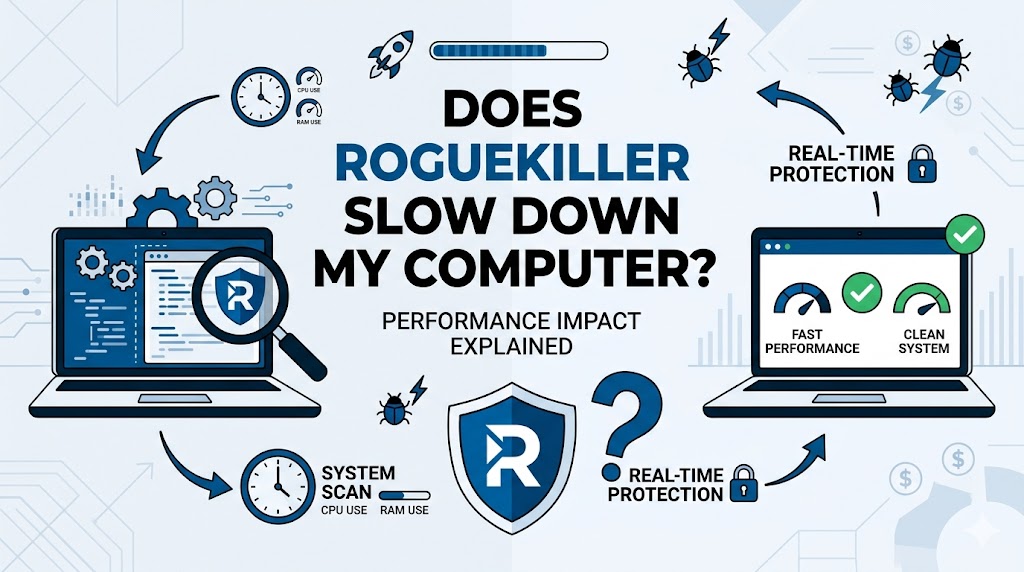
RogueKiller is a popular malware removal and security utility designed to detect and eliminate malicious programs, unwanted software, and system threats. Many users install it to improve system security and maintain optimal performance. However, a common concern is whether RogueKiller itself can slow down a computer. Understanding how the software operates, its resource usage, and the factors influencing system performance can help users determine its actual impact on their devices.
Understanding RogueKiller
What Is RogueKiller?
RogueKiller is an anti-malware application developed to identify and remove threats that traditional antivirus programs may overlook. It specializes in detecting malware, rootkits, adware, potentially unwanted programs, and suspicious system modifications.
Primary Functions
The software performs several tasks, including:
- Malware detection and removal
- Registry scanning
- Startup program analysis
- Browser threat detection
- System repair functions
These features contribute to maintaining a secure computing environment while protecting sensitive data from cyber threats.
Does RogueKiller Slow Down a Computer?
During Active Scans
The most noticeable performance impact occurs when RogueKiller is actively scanning the system. During a full scan, the software examines files, processes, startup entries, and registry components. This process requires CPU power, memory, and disk access.
Users may experience:
- Slower application launches
- Increased CPU usage
- Temporary lag during multitasking
- Higher disk activity
This behavior is common among security tools and does not necessarily indicate a problem with the software.
When Running in the Background
Outside of scanning sessions, RogueKiller typically consumes minimal system resources. Background protection features monitor system activity and check for suspicious behavior without placing a significant burden on modern computers.
Most users do not notice substantial slowdowns during regular operation, especially on systems with adequate hardware specifications.
Factors That Influence Performance
Computer Hardware
The impact of RogueKiller depends heavily on the system’s hardware capabilities. Older computers with limited RAM and slower processors may experience more noticeable slowdowns than newer systems.
Key hardware factors include:
- Processor speed
- Available RAM
- Storage type
- Overall system age
Computers equipped with SSDs generally handle security scans more efficiently than those using traditional hard drives.
Scan Type
Different scan modes require varying levels of system resources.
Quick Scan
A quick scan checks critical system areas and typically completes rapidly with minimal performance impact.
Standard Scan
A standard scan covers additional locations and requires more processing power.
Full Scan
A full scan examines the entire system and can temporarily increase resource consumption significantly.
Number of Running Applications
Running multiple resource-intensive programs simultaneously can amplify performance slowdowns during scans. Applications such as video editors, gaming software, and virtual machines compete for system resources, making scan-related delays more noticeable.
Common Misconceptions About RogueKiller
Security Software Always Slows Down PCs
Many users assume every security application causes constant slowdowns. Modern security tools are designed to optimize resource usage and minimize performance impacts during routine operation.
RogueKiller is built to balance effective threat detection with efficient resource management.
High CPU Usage Means Something Is Wrong
Temporary CPU spikes during scans are normal. Security software must inspect numerous files and processes, requiring computational power. Elevated usage during a scan does not necessarily indicate a malfunction.
More Features Mean More Slowdowns
While feature-rich security software may require additional resources, optimization techniques help maintain system responsiveness. RogueKiller employs scanning methods that prioritize efficiency without sacrificing detection capabilities.
Benefits of Using RogueKiller
Malware Removal Improves Performance
In many situations, RogueKiller can actually improve computer speed. Malware often consumes significant resources, creates unwanted background processes, and interferes with normal system operations.
Removing these threats may result in:
- Faster startup times
- Improved responsiveness
- Reduced system crashes
- Better overall stability
Enhanced Security
Strong malware protection reduces the risk of infections that can severely degrade system performance over time.
System Repair Features
RogueKiller includes repair tools that can restore settings modified by malicious software. These repairs may contribute to a smoother computing experience.
How to Reduce Performance Impact
Schedule Scans Strategically
Running scans during periods of low computer usage minimizes disruptions. Many users schedule scans overnight or during breaks from work.
Close Unnecessary Programs
Reducing the number of active applications during scans frees system resources and improves overall efficiency.
Keep Software Updated
Software updates often include performance improvements, bug fixes, and enhanced scanning technologies. Maintaining the latest version can help optimize resource usage.
Upgrade Hardware
For older systems, upgrading RAM or switching to an SSD can significantly improve performance during security scans and general computing tasks.
Comparing RogueKiller to Other Security Tools
Resource Usage
Like most malware removal applications, RogueKiller uses system resources during scans. However, its impact is generally comparable to other reputable security tools in the anti-malware market.
Detection Efficiency
The software focuses on identifying advanced threats and potentially unwanted programs. This specialized detection capability may require deeper system analysis, particularly during comprehensive scans.
User Experience
Many users find that the temporary performance cost during scans is justified by the software’s ability to identify and remove threats that can otherwise cause long-term system degradation.
Signs RogueKiller May Be Affecting Performance Excessively
Unusual System Behavior
If performance issues continue after scans have completed, users should investigate potential causes such as:
- Software conflicts
- Outdated drivers
- Existing malware infections
- Hardware limitations
Persistent High Resource Consumption
Continuous high CPU or memory usage outside active scanning periods may indicate configuration issues or other software-related problems requiring attention.
Frequent System Freezes
Occasional slowdowns during scans are normal, but repeated freezes or crashes should be examined to identify underlying causes.
Conclusion
RogueKiller may temporarily use additional system resources during active scans, but it generally does not cause significant long-term slowdowns. In many cases, removing malware and unwanted programs improves overall performance. Proper scan scheduling, software updates, and adequate hardware help ensure a smooth experience while maintaining strong system security.